
Integrity and the audit trail
Role privileges decide who can write a site record, and a created-by stamp shows who did. Each role has privileges per module area, set as a mix of view, create, edit, delete and approve, and the areas include tasks, purchase orders, labour challans, delivery challans, issues, checklists, reports and documents. A user can hold several roles and works in the projects they are assigned to. Vendor and contractor users added as external users see only their own organisation's transactions.
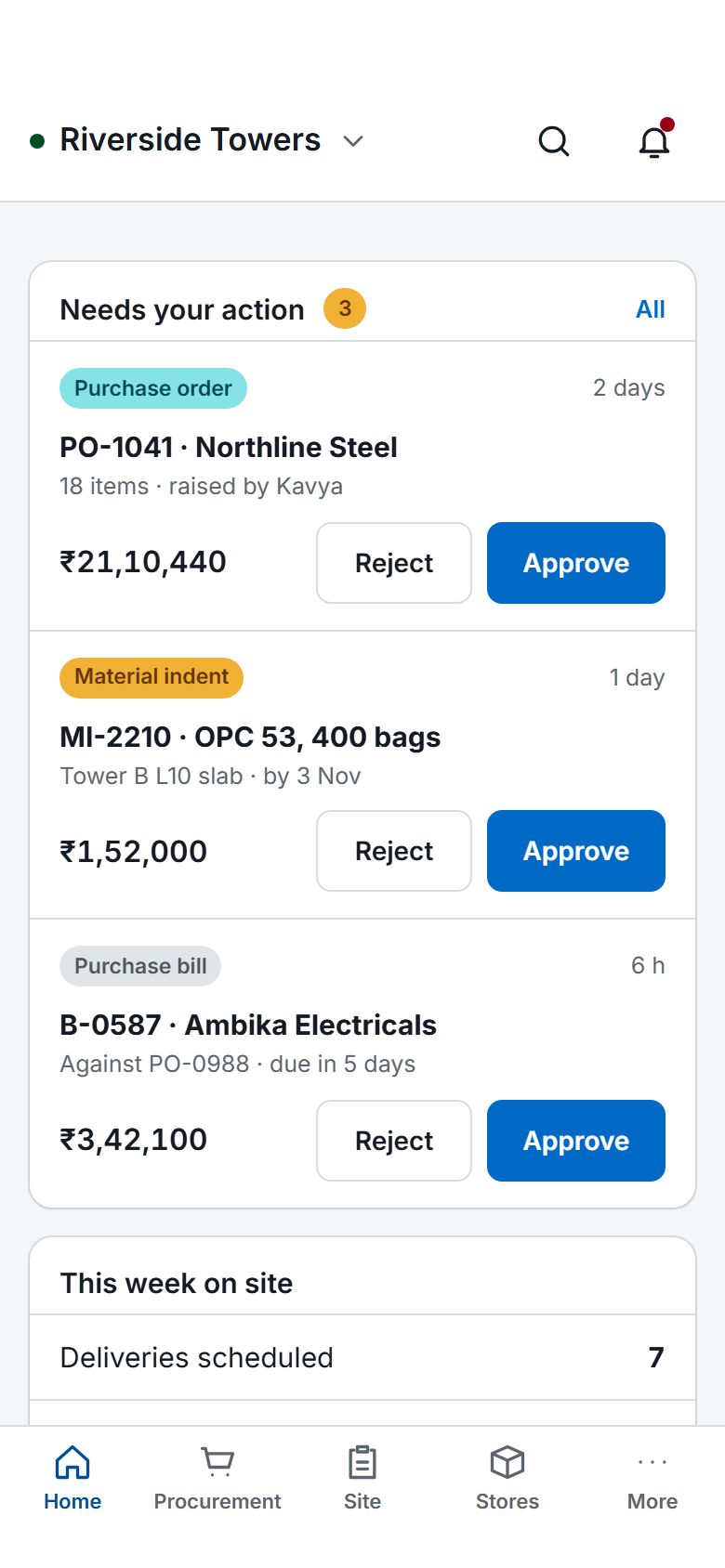
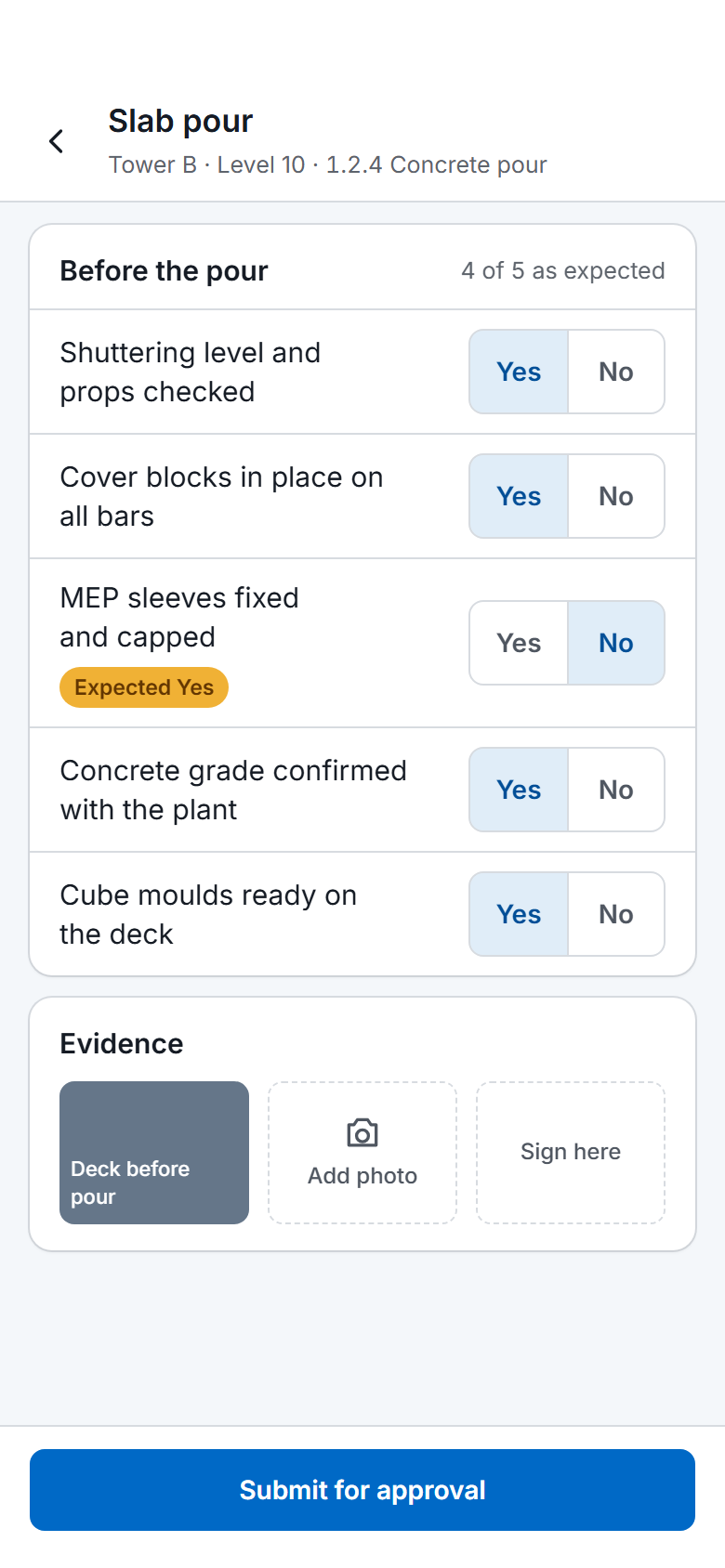
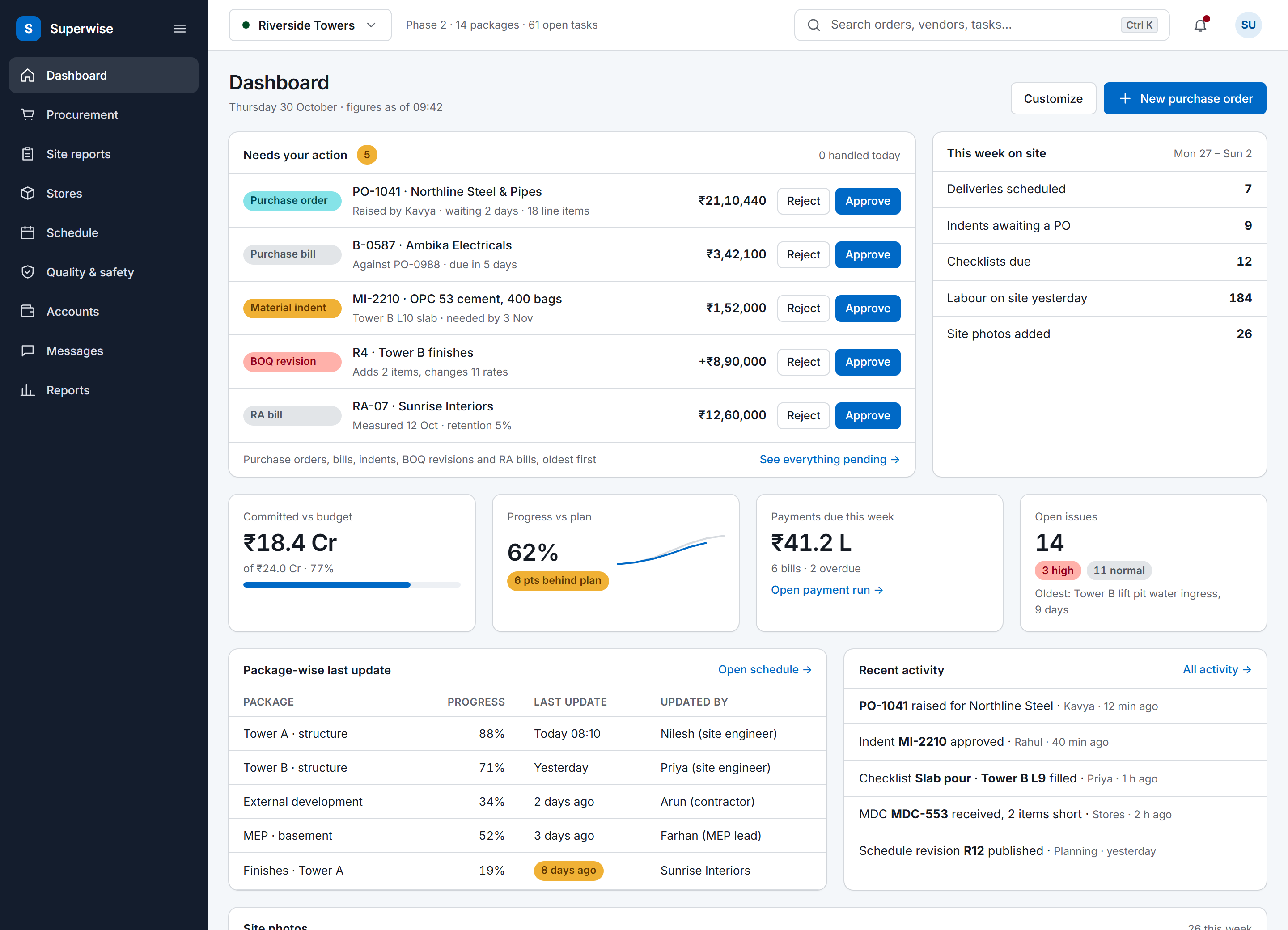
Delivery challans, indents and purchase orders keep who created them and when. A purchase order also keeps who changed its status and when, and an amended one keeps a snapshot of each earlier revision with the reason. Where the approval workflow applies, which is POs, work orders, RA bills, expense vouchers and schedule changes, each step records the approver, the date and a comment.
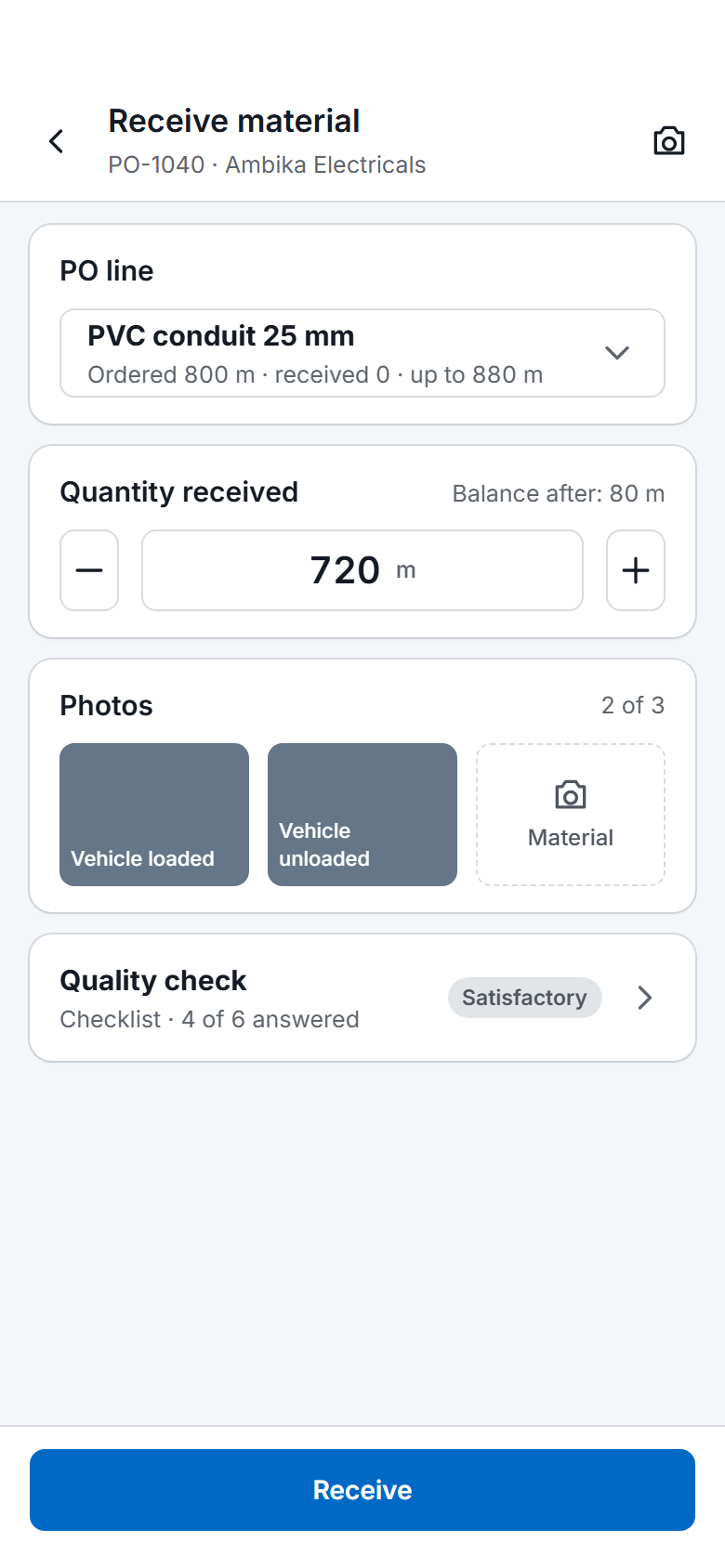
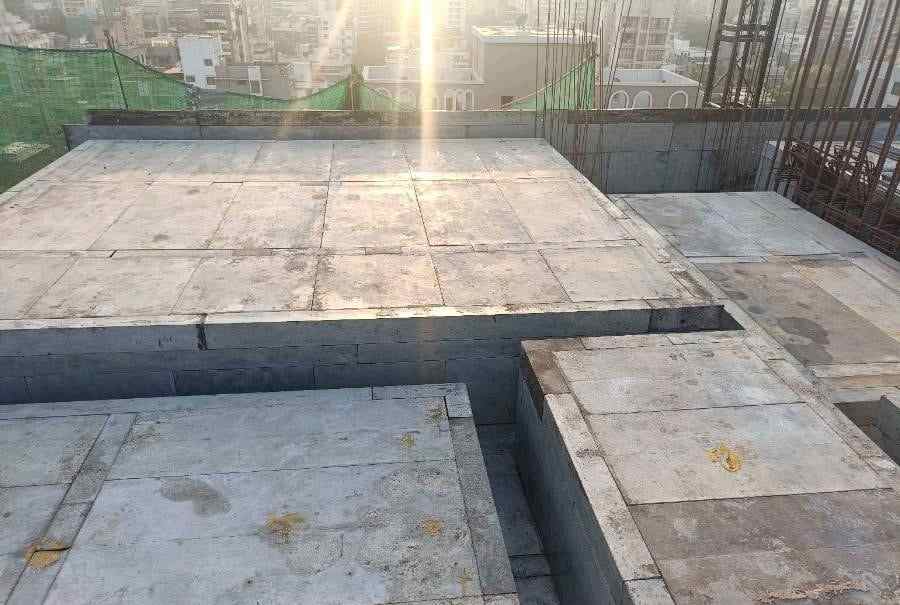
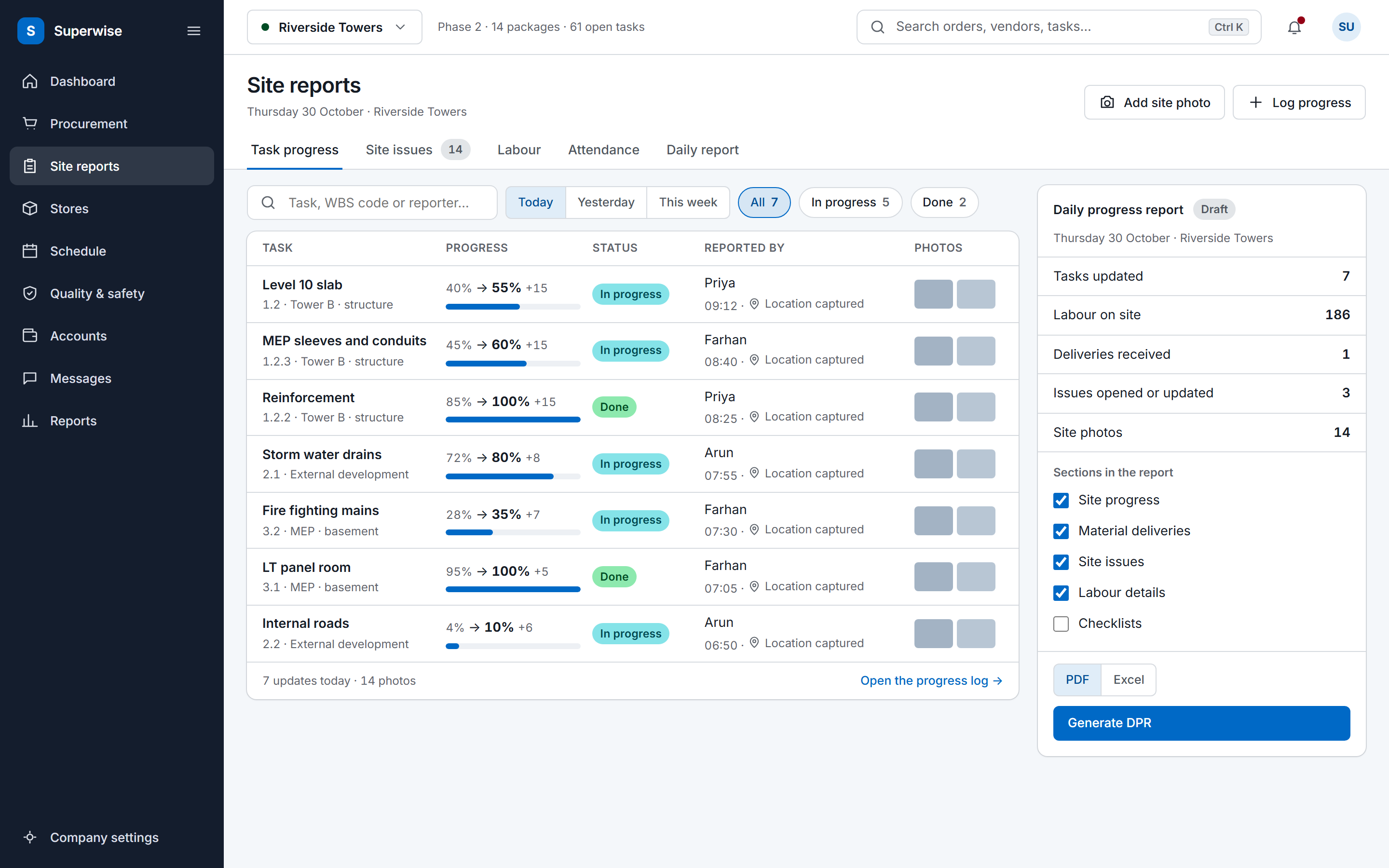
A company setting adds a visible timestamp to images captured through the mobile app, so a delivery photo uploaded days later does not pass for a new one. It is off by default and an administrator turns it on. Issues and labour challans each store a GPS location.
Quantities are gated at the purchase order. Each PO line has a maximum quantity that deliveries cannot exceed, and a permissible variation set on the resource allows a small tolerance. The quantity received against a line therefore stays tied to the quantity ordered. The MIS report also lists unplanned material purchases, meaning delivery challans with no matching PO or no BOQ link.
A company can choose to delete delivery challans once an approved bill includes them, which suits very high-volume infrastructure sites. The setting is off by default, and leaving it off keeps the full challan history.