Demo
See SuperWise on your own project
We ask how your sites run today, then show SuperWise doing the same work on your own project: the schedule, the daily report, procurement and RA bills.
Request your demo
Request received
We will get back to you within 24 hours.
Bring the promoter or the head of project to the first walkthrough. They can say which problem you want solved, and that decides what we show.
After that we run further demos for your planning team, the construction project manager and the site execution team.
What you will see
We show the modules your team uses first, in the order your project runs them.
- ScheduleA schedule imported from Microsoft Project or Excel, opened in the schedule playground and saved as a baseline.
- Site reportsTask progress entered on the phone and the daily progress report it produces, as PDF or Excel.
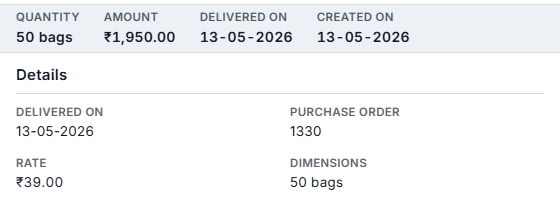
- ProcurementThe material chain from indent to purchase order and delivery challan, and the works chain from request for proposal to work order.
- BillingMeasurement sheets, running account bills and payments.