


Features
Every module, grouped by the work it covers
Solutions
A SuperWise solution is a set of modules arranged around one workflow on a construction project, such as the daily progress report, site execution, drawings or PMC reporting.
Start with the workflow that costs your team the most time, then follow its links to the feature modules behind it.
Site news lands in chat, not the schedule.
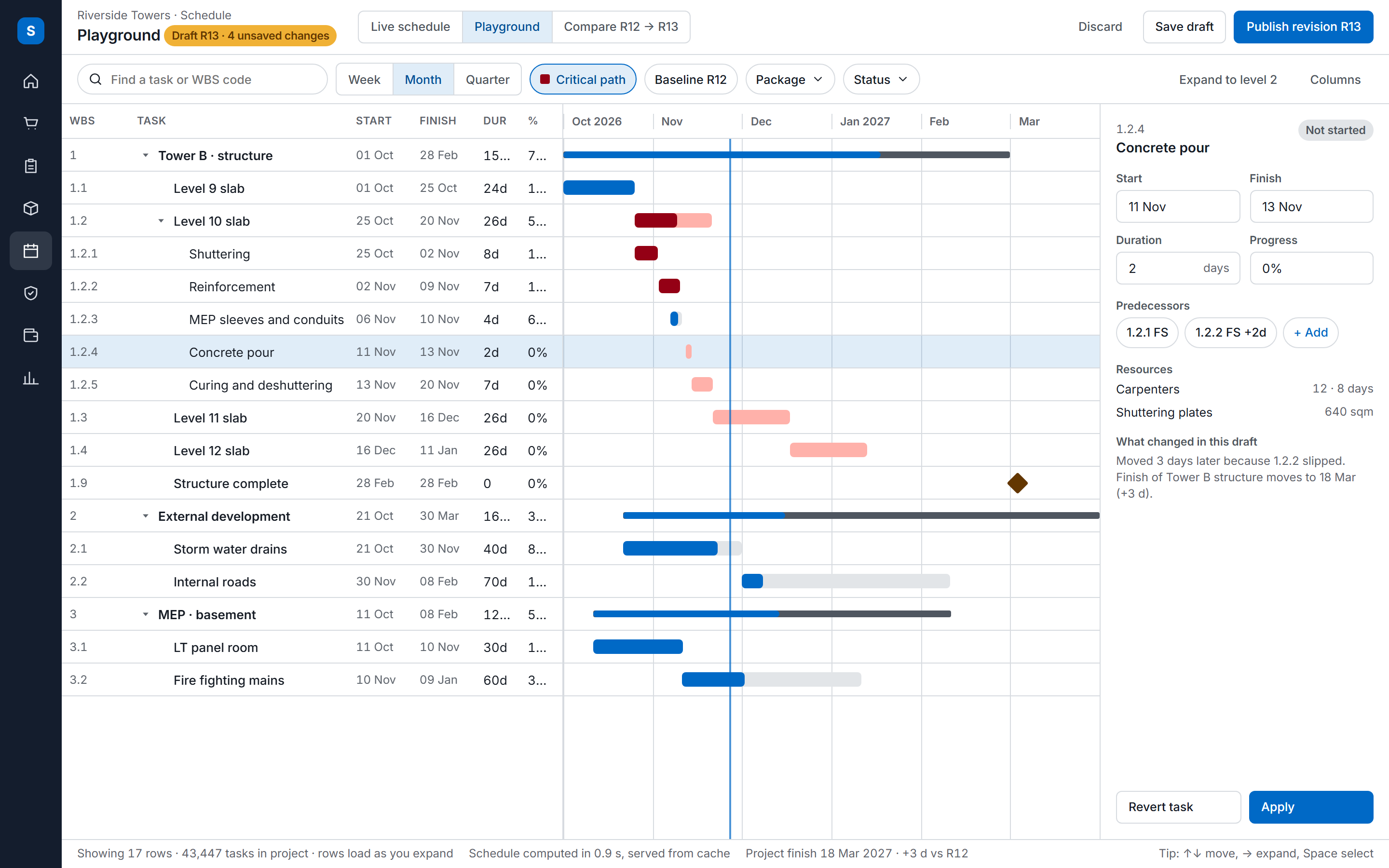
The schedule, DPR, BOQ, work orders, RA bills, materials and drawings kept together in one project, for contractors, developers and PMCs.
The DPR was typed from memory, at night.
The DPR compiled from deliveries, labour, task progress, measurements and issues, as a PDF or Excel file.
The register, the challan and the report disagree.
Day-to-day execution control: deliveries, progress, issues, checklists and attendance, each with a trail.
The crew built from last month's drawing.
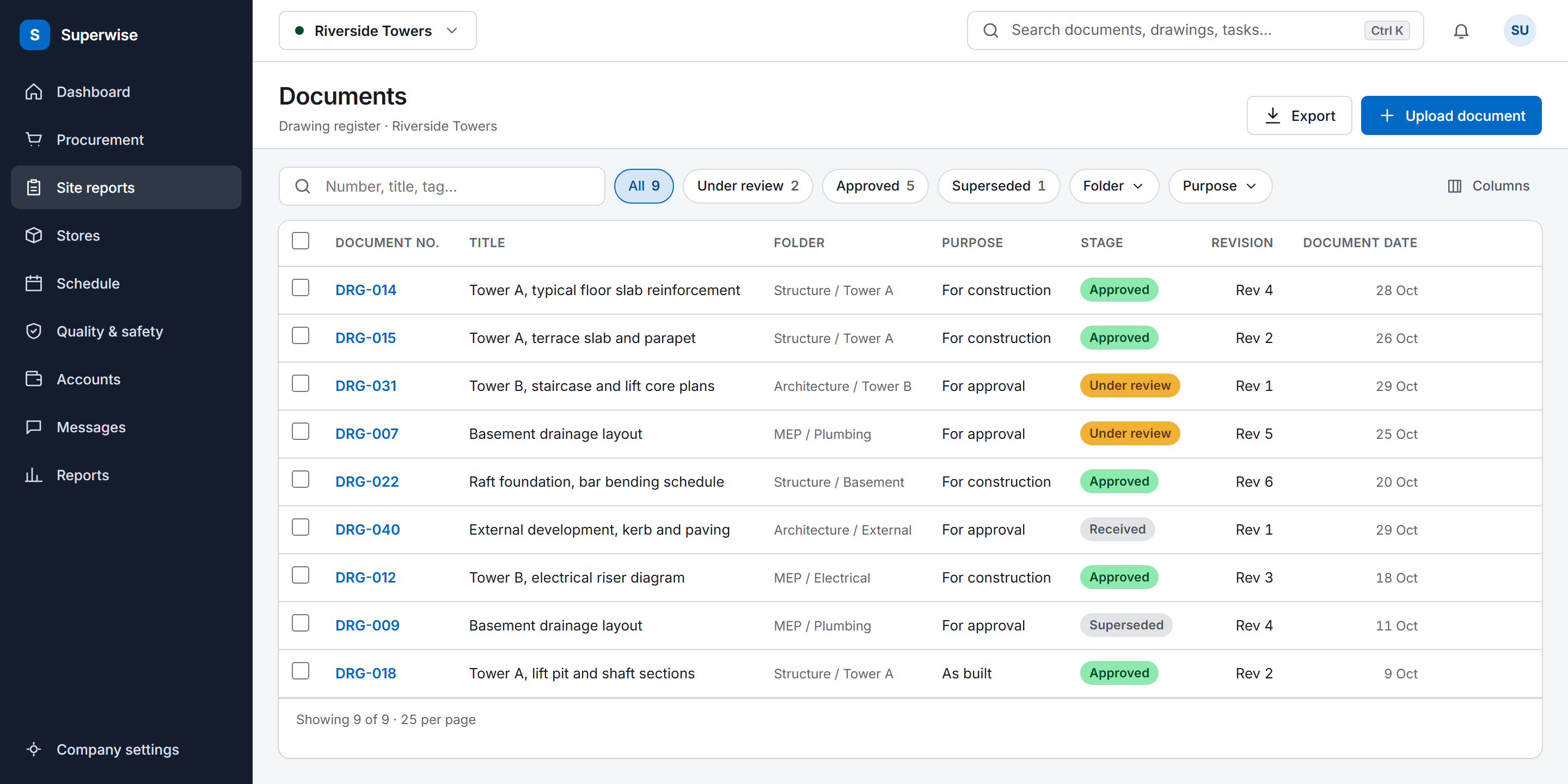
Drawings in project folders with role access, purposes, review stages and revision history.
Your report rests on someone else's update.
MIS reports, schedule variance and an audit trail that a client can check.
A solution names the modules it uses. The other three hubs organise the same product by module, by company role and by the job someone does on site.
If daily reports reach you late or disagree with the store records, start with the DPR app. If execution control is the problem, start with site management. Choose document management for drawings, PMC software for client MIS, and the management software page for a view of the whole project.
A solution page is written around one workflow and shows how several modules work together on it, with the diagram and the questions a buyer asks. A feature page describes one module in detail: its records, rules, screens and outputs. Each solution links to the feature pages it uses.
No. The product guide documents what each module depends on. A work order, for example, needs BOQ items and an approved contractor organisation. Set up the company masters and a project first, then add only the site records your chosen workflow needs.
Book a demo and we walk through the solution you picked using a project in your own account. You can also start a free trial and set up a project yourself. The product guide's setup order is the same either way: company masters, then the project and its schedule, then site records.
Book a demo and we walk through your site data.