
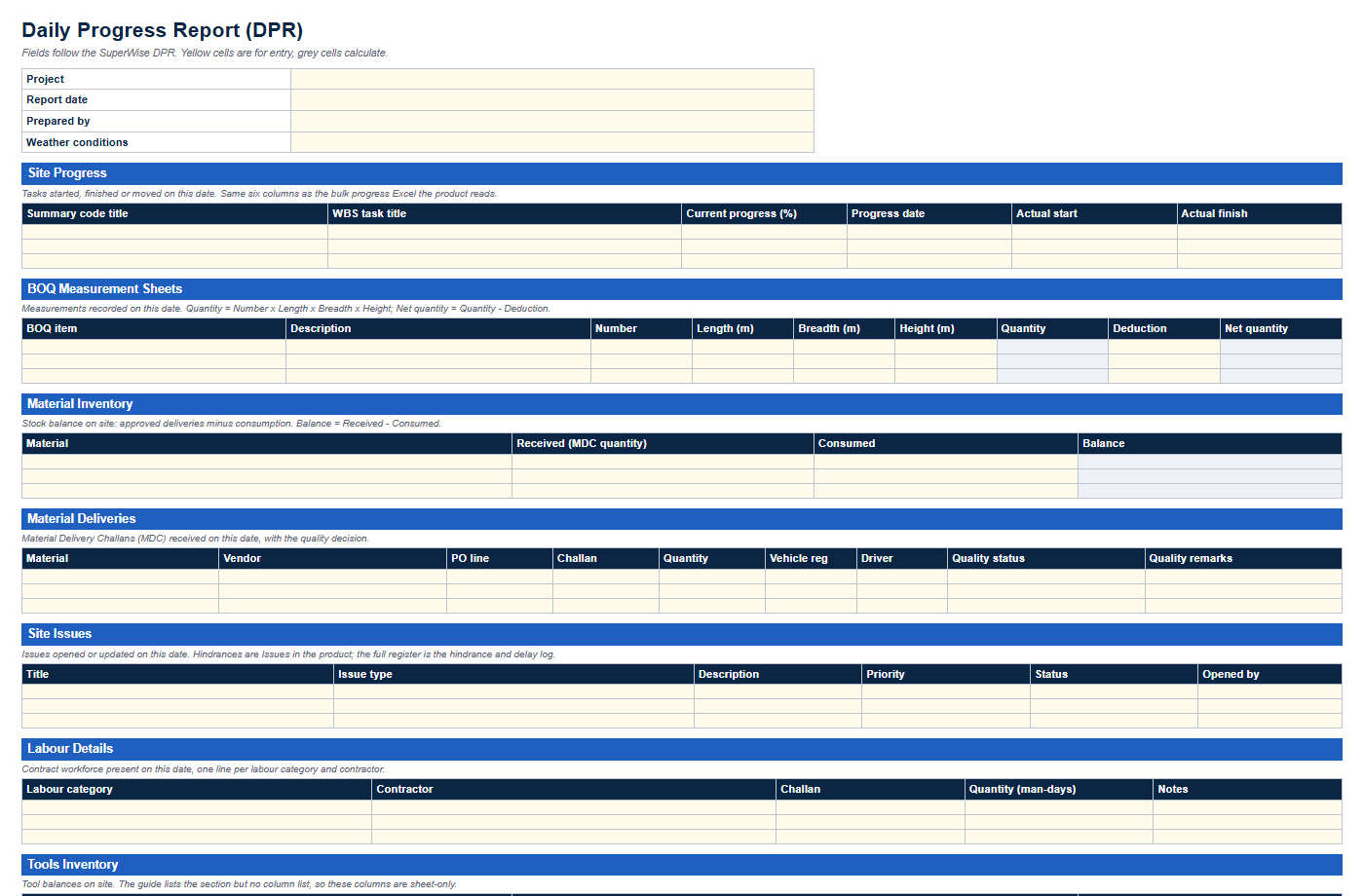
Construction daily report template
Eleven DPR sections with status dropdowns and formulas for quantity and stock balance.
Templates
Each template has a PDF preview to read first. The Excel file asks for a name, work email and mobile number. Column names follow SuperWise, and columns the product does not store are marked sheet-only.
Eleven DPR sections with status dropdowns and formulas for quantity and stock balance.
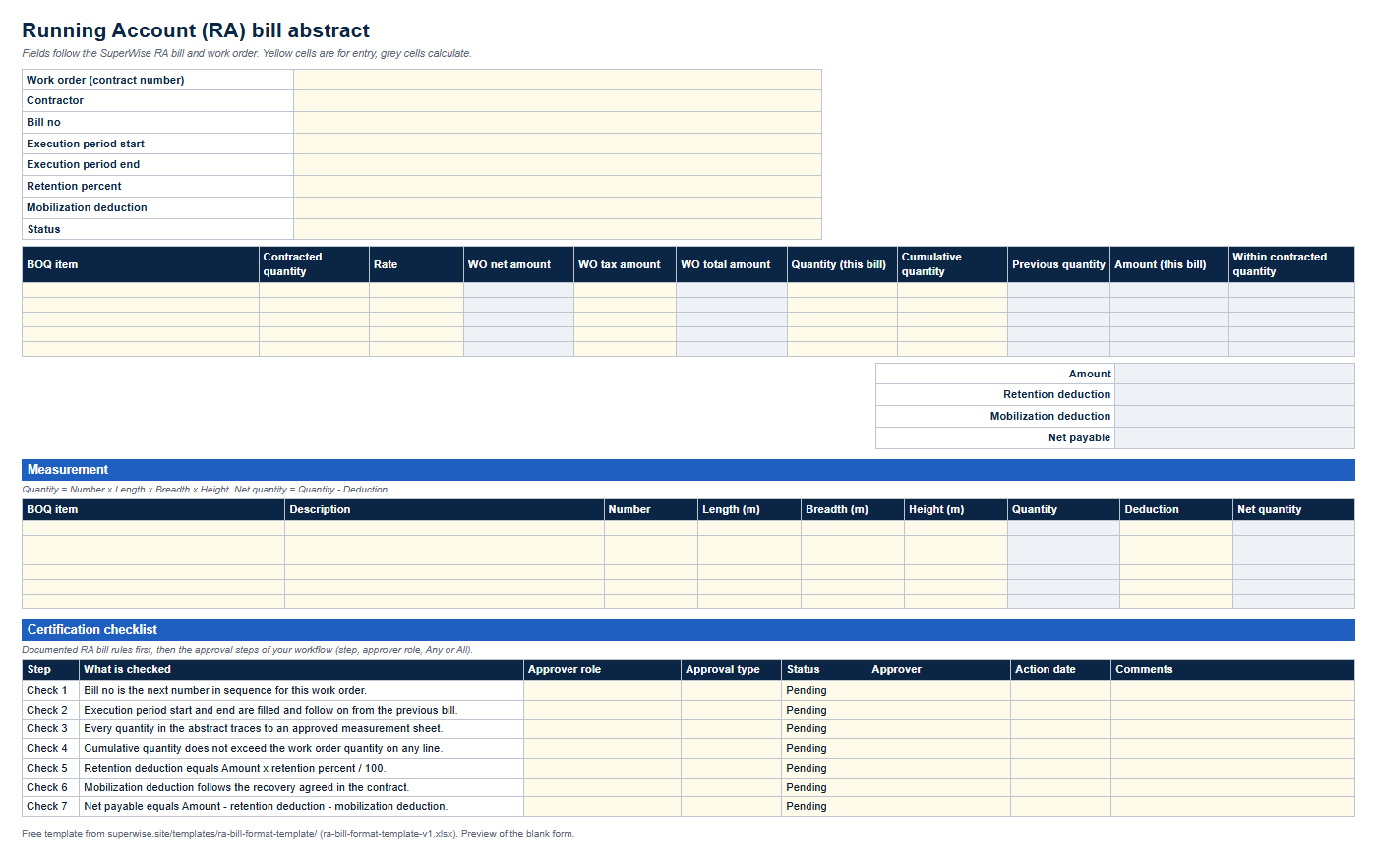
An abstract with retention and mobilization formulas, a measurement sheet and a certification checklist.
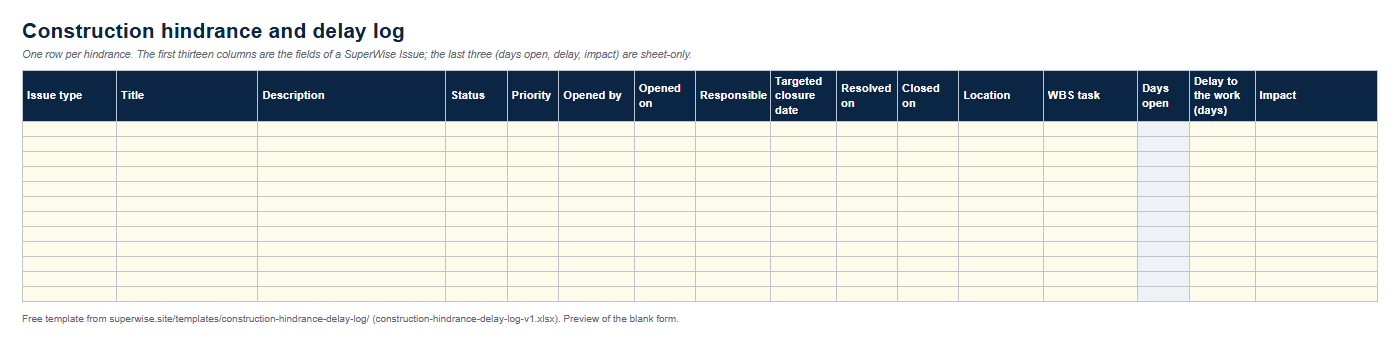
One row per hindrance with the fields SuperWise keeps for an Issue, plus delay days and impact.
The three templates and a one-page SOP are bundled in the construction reporting pack. The SOP says who fills which file, and when.
Yes. The PDF previews need no details. For the Excel file, enter your name, work email and mobile number and the download link appears. The form sends your details to the SuperWise team.
No. They are ordinary Excel files. The same reports are generated by SuperWise from its own records, so the templates are the manual version of that routine.
A sheet-only column is one that the SuperWise product guide does not document as a field, for example delay days in the hindrance log. It is in the workbook to make the sheet useful, and the field tables on each page mark it.
Book a demo and we walk through your site data.